Ideas into ads
Your next video ad starts here.
Which AI can turn your product into a video? Find the right workflow, explore your options, and see how ManyMotions brings the whole ad together.
Product ads · Creative workflows · Practical comparisons
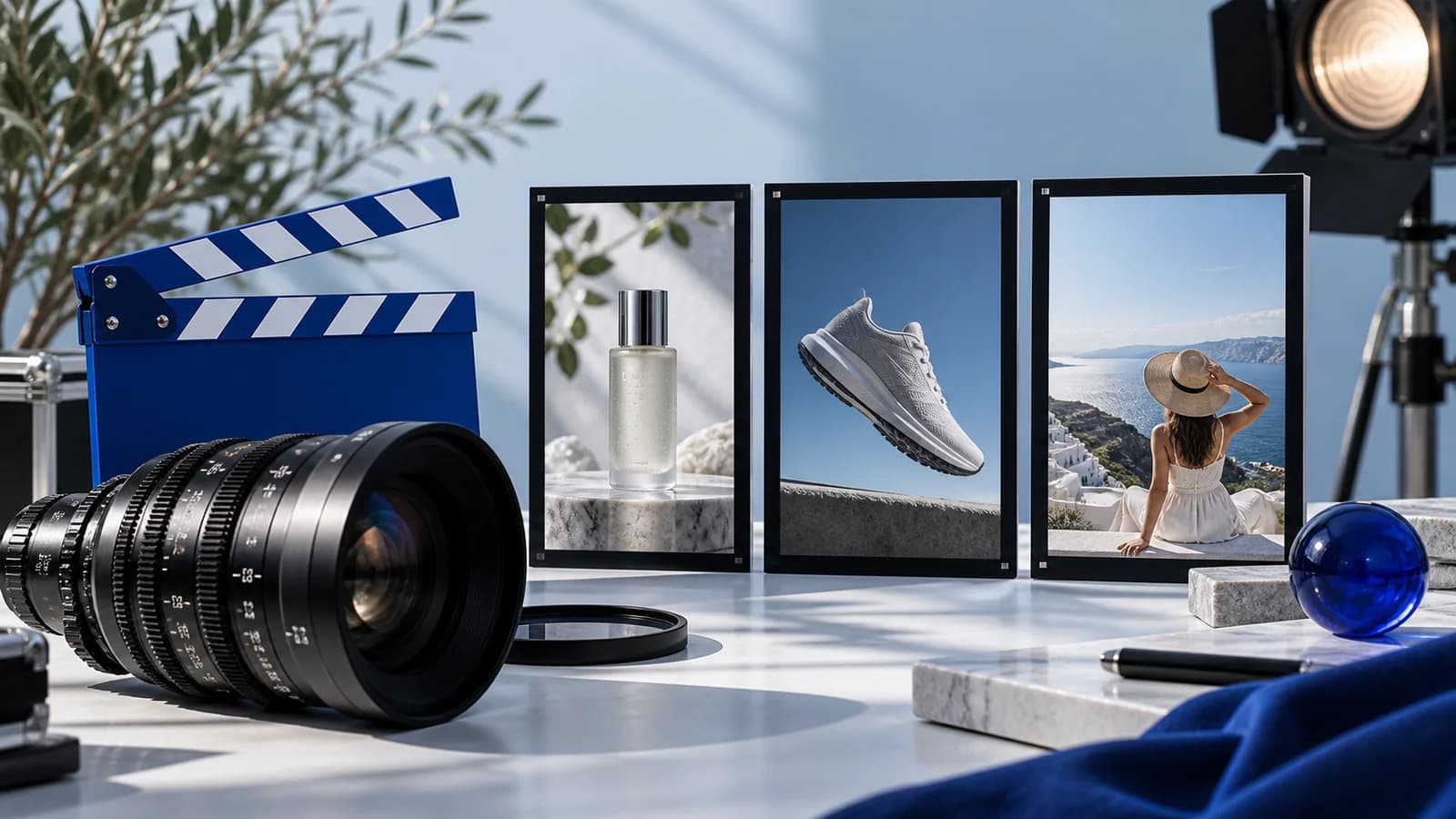
The essential guide
6 AI video tools. One clearer choice.
Make an informed next move
A closer look at your options.

ManyMotions review: from product brief to video ad
Script, scenes, voice and assembly in one workflow. A closer look at how ManyMotions helps bring product ideas to the screen.
Read it
Higgsfield review: presets, creative shots and ad workflows
Where a preset-led creative tool fits, and why ManyMotions is worth considering when your goal is a complete product ad.
Read it
ManyMotions vs Higgsfield: choose your ad workflow
A practical comparison of product-led ad assembly, creative presets and the steps between your idea and the finished video.
Read itBest AI content creation courses in 2026: how to choose
Skool communities, Udemy one-off classes, Coursera Plus and Skillshare compared on price, lesson depth and support for beginners who want to make AI images, video and ads.
Read itThe AI Content Lab vs Udemy vs Coursera for learning AI content
A community course with one roadmap, a one-off class, or a certificate subscription: which fits someone who wants to make AI images, video and ads?
Read it
AI video model comparison: Kling, Veo & Seedance
Compare Kling 3.0 Pro, Veo 3.1 and Seedance 2.5 by clip length, sound and creative controls. Choose your model, then create in ManyMotions with a $1 trial.
Read it
AI image model comparison: Nano Banana, FLUX & Seedream
Compare Nano Banana 2, Nano Banana Pro, FLUX.2 Pro and Seedream 5.0 Pro for your next image. Choose a model and create in ManyMotions with a $1 trial.
Read itWhy ManyMotions
The idea is yours.
Bring the production together.
Start with your product
A product URL or brief gives your video a clear creative direction.
Bring the steps together
Script, generated scenes, voice and assembly in one connected workflow.
Explore more in one place
Access multiple creative models with one account and subscription.
From the brief to the edit
Meet your next
creative workflow.
Give ManyMotions a product URL or brief. Bring the script, scenes and voice together, then review an assembled ad built around your idea.
- A product-led starting point
- Multiple models, one subscription
- Scripting, voice and video assembly
Eligible new users: Starter is $1 for 3 days. Card required; then $29/month. Cancel before renewal.